
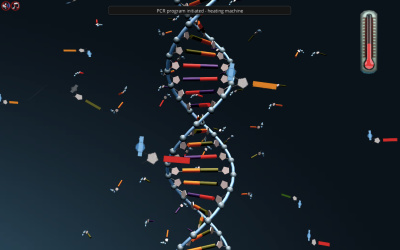
Biology
Medical Genetics
Duration 52m
Put yourself in the place of a genetic counselor and find out if the daughter of a breast cancer patient is at a higher risk of developing breast cancer herself. Help her by constructing a pedigree and finding the defective gene by using linkage analysis.






This short, targeted simulation is adapted from the full-length Medical Genetics simulation.
你知道你可以很容易地检查是否有sm吗all mutation in your BRCA1 or BRCA2 that can make you more likely to develop breast cancer? In this simulation, you will learn to construct a pedigree based on the acquired data from the DNA of the patient and discover the potential relationship between mutations and cancer development risk but using linkage analysis.
Constructing pedigree
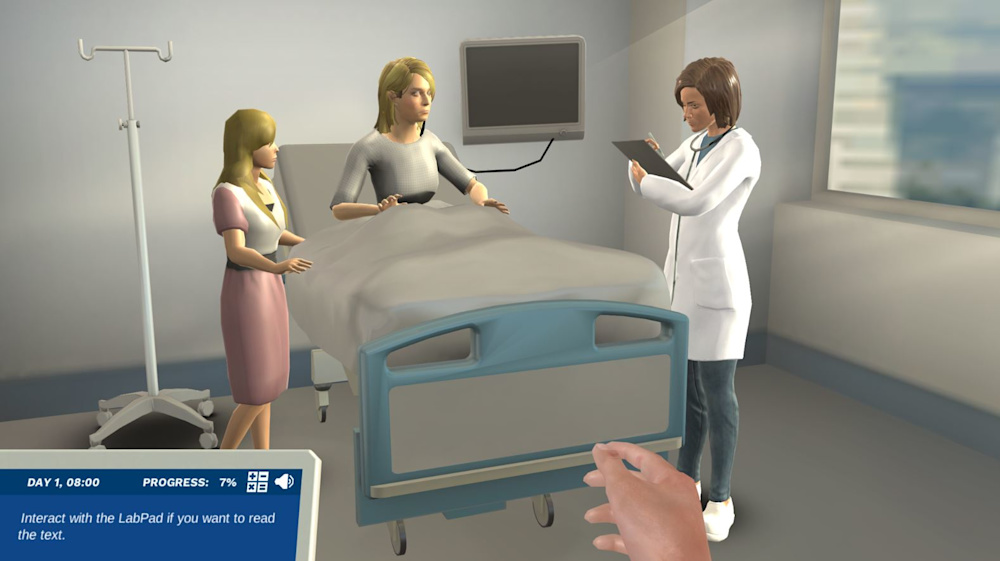
Your first task is to construct a family pedigree based on the gathered information. You will learn how to read a family pedigree and determine whether or not traits are hereditary. You will visit the hospital and talk with a doctor to learn about hereditary cancer and identify genes, such as BRCA1 and BRCA2 that can cause hereditary breast cancer in a family.
Linkage analysis
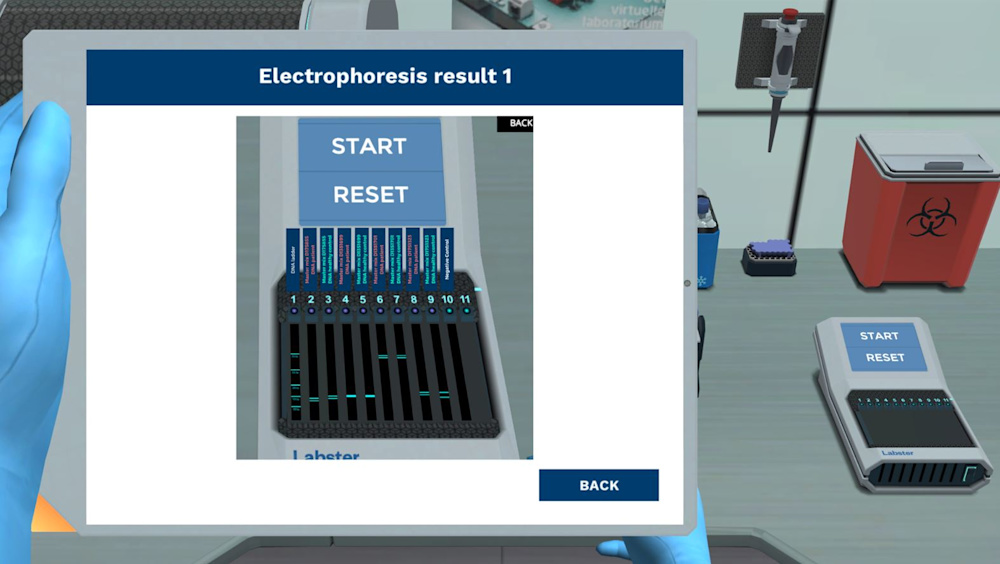
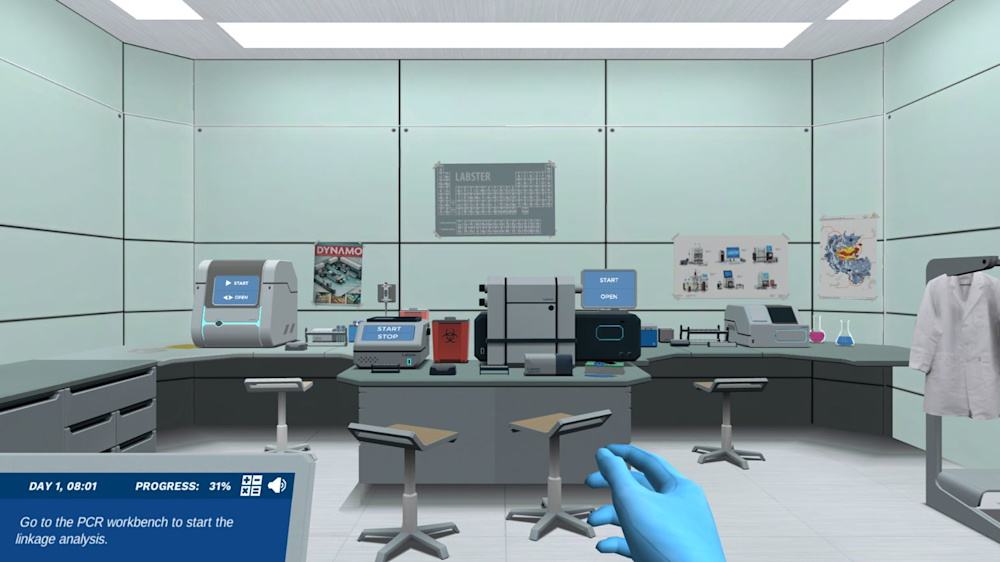
Next, you will arrive in the laboratory to start your experiments. You will begin with a linkage analysis using four microsatellite markers that are located close to BRCA1 and BRCA2 genes. Then you will perform a PCR to amplify the microsatellite markers and interpret the results by using gel electrophoresis.
Analyze the pedigree
In the end, by using the gel electrophoresis results, you will analyze the genotypes from family members. Will you be able to determine which gene is linked to hereditary breast cancer in this family?
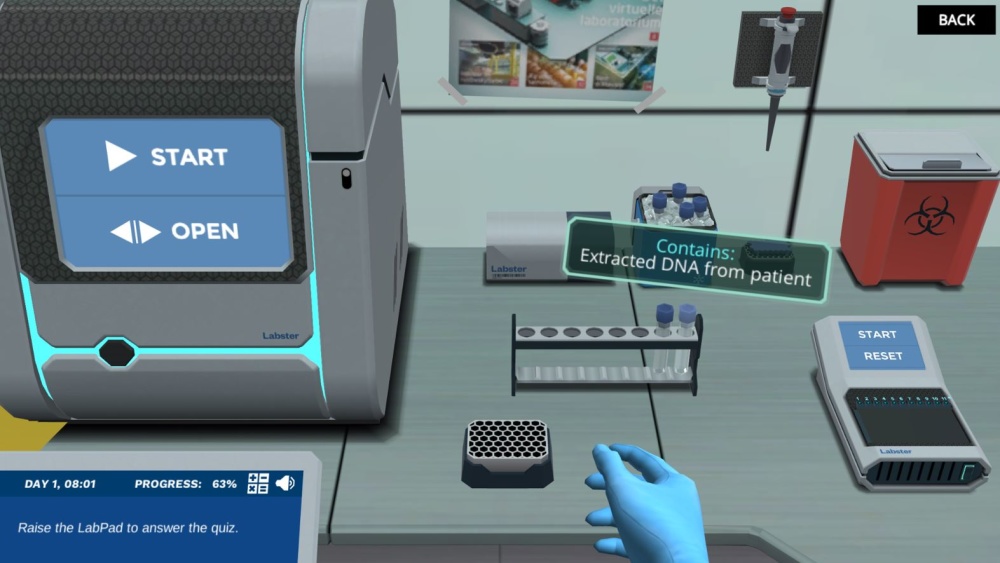
Engage students in science through interactive learning scenarios. Simulate experiments, train lab techniques, and teach theory through visual experiences that enhance long-term learning outcomes.
250+ Web-based simulations that can be played on laptops and tablets without installing any software
Teacher dashboard to automate grading and track student progress
Embedded quizzes to help students master science content
Library of learning resources, lab reports, videos, theory pages, graphics and more
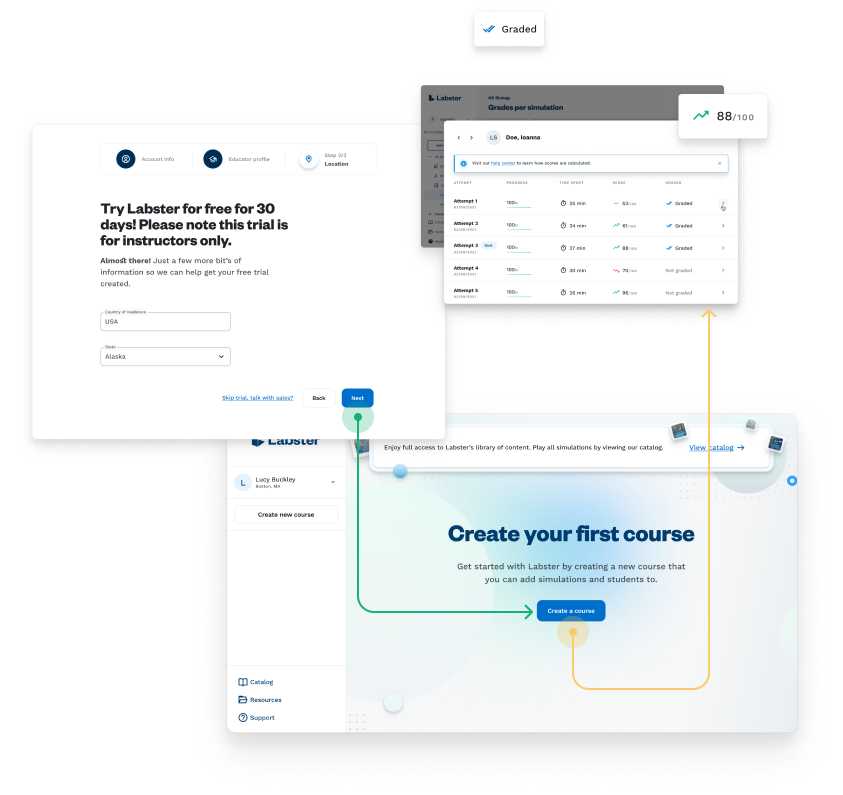

Integratewith your LMS
Labster integrates with all major LMS (Learning Management Systems) so that educators can use their gradebooks to track students’ performance data and students can keep a record of their work. Labster is compatible with Canvas, Blackboard, Moodle, Google Classroom, Schoology, Sakai, and Brightspace / D2L. It’s also possible to use Labster without an LMS.


